Medium: superscripts, subscripts, and Unicode styles (2026 Guide)

You write on Medium. Its clean, minimalist editor works great. But one day you need an alphabetic superscript, a subscript for a formula, or a Gothic letter for an aesthetic detail. And you discover that Medium doesn’t have them.
You search Google and find old articles, character tables to copy and paste from, or generators that force you to redo everything if you correct a comma.
There’s a better solution for getting styles that Medium doesn’t offer. And it’s not another character table.
FlowStyler Editor: advanced styles in Medium
FlowStyler, the word processor with native support for Unicode styles, gives you a wide range of styles that Medium doesn’t present… but has no problem displaying.
And the best part is that unlike character generators, FlowStyler lets you write, edit, correct, and combine styles as comfortably as with any word processor like Word, Google Docs, or Pages, without leaving this page.
Try writing whatever you want, applying a style, and correcting… without having to reapply the style to the corrected text. Then we’ll talk about everything Medium doesn’t offer you.
How FlowStyler makes styles work on Medium
To understand why certain styles survive on Medium and others don’t, you need to look at how each tool handles the relationship between content and appearance.
In a traditional processor, text and formatting travel on separate tracks. It’s like having wooden letters and, separately, a can of paint. The wood is the content; the paint is the style. When you paste that text into Medium, the platform wipes off the paint. What’s left is bare wood.
FlowStyler works differently. Instead of applying paint over common letters, it uses solid plastic letters, factory-colored. There’s no paint to wipe off because the color is built into the material.
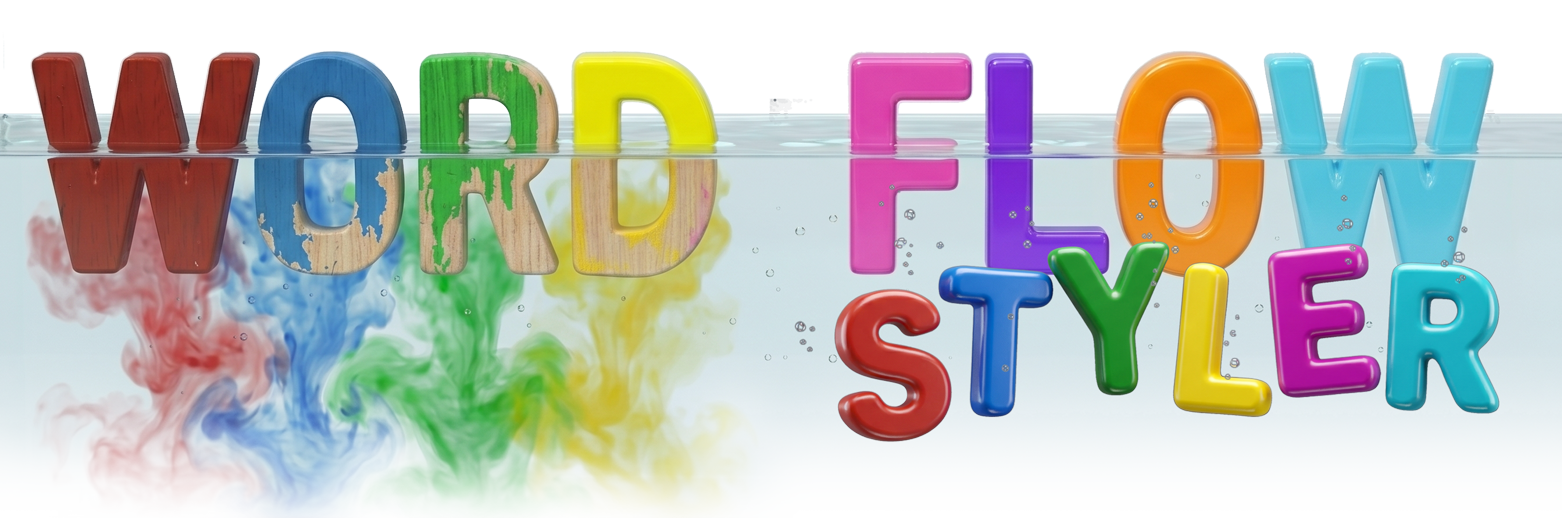
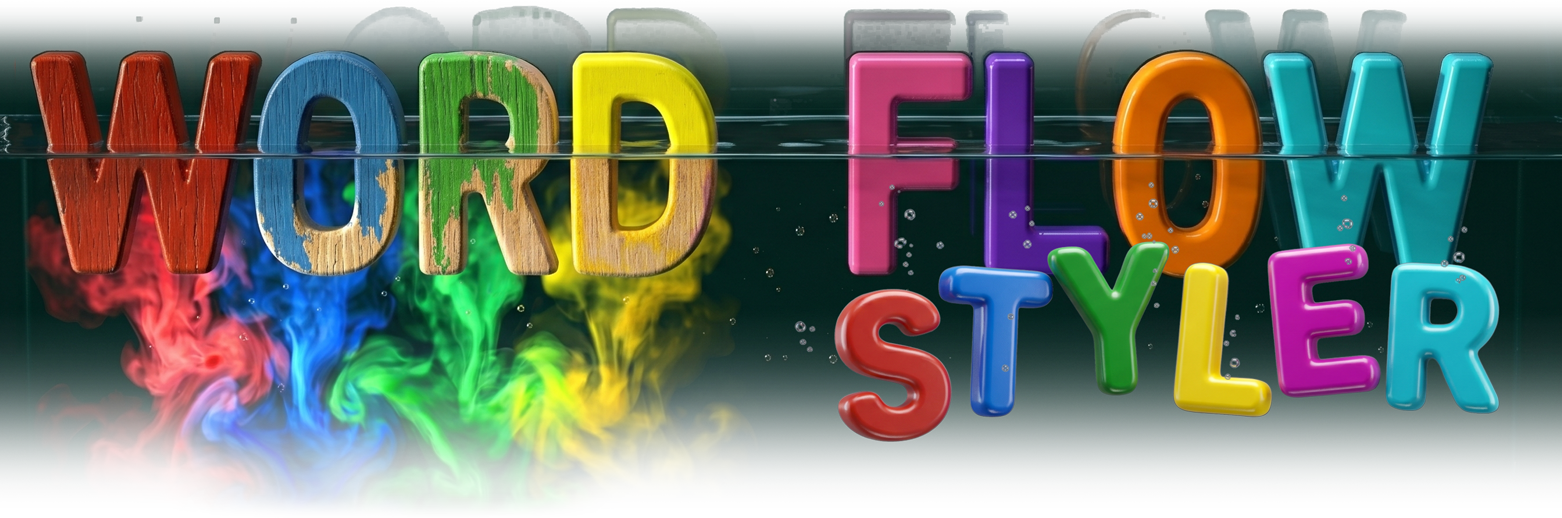
This principle is built on Unicode, the universal text encoding standard. In addition to the usual letters, Unicode defines character blocks for mathematical and scientific use. These are symbols that visually reproduce formatted letters: bold, italic, superscript. In those characters, the style isn’t an external instruction: it’s part of the character’s design.
On that foundation, FlowStyler builds a familiar editing experience. You see plain text, apply styles from a palette, and the system swaps standard characters for their Unicode equivalents. The result is text that any platform interprets as plain text, but that keeps its formatting because each letter was born with that shape.
That’s why it works on Medium. And anywhere you can paste text.
Master style table for Medium
First, what Medium does offer natively, and the shortcuts to achieve it:
| Style | Native in Medium? | How to do it |
|---|---|---|
| Bold | ✅ | Ctrl/Cmd + B |
| Italic | ✅ | Ctrl/Cmd + I |
| Big heading (H1) | ✅ | Ctrl/Cmd + Alt + 1 |
| Medium heading (H2) | ✅ | Ctrl/Cmd + Alt + 2 |
| Blockquote | ✅ | > at the start of the paragraph |
| Inline code | ✅ | ` (backtick) |
| Code block | ✅ | ``` |
| Numbered list | ✅ | 1. |
| Bulleted list | ✅ | - or * |
| Link | ✅ | Ctrl/Cmd + K |
| Separator | ✅ | --- |
| Numeric superscript | ✅ (numbers only) | ^ + number (e.g., x^2 → x²) |
Now, what it doesn’t offer, and what you might need at some point:
| Style | Native in Medium? | How to do it |
|---|---|---|
| Alphabetic superscript | ❌ | With FlowStyler ↑ |
| Subscript (any type) | ❌ | With FlowStyler ↑ |
| Script (handwritten cursive) | ❌ | With FlowStyler ↑ |
| Fraktur (Gothic) | ❌ | With FlowStyler ↑ |
| Double-Struck | ❌ | With FlowStyler ↑ |
| Sans-Serif Bold | ❌ | With FlowStyler ↑ |
| Sans-Serif Italic | ❌ | With FlowStyler ↑ |
| Sans-Serif Bold-Italic | ❌ | With FlowStyler ↑ |
| Serif Bold | ❌ | With FlowStyler ↑ |
| Serif Italic | ❌ | With FlowStyler ↑ |
| Serif Bold-Italic | ❌ | With FlowStyler ↑ |
| Small Caps | ❌ | With FlowStyler ↑ |
| Monospace | ❌ | With FlowStyler ↑ |
| Decorative alphabets | ❌ | With FlowStyler ↑ |
| Effects (mirrored, flipped) | ❌ | With FlowStyler ↑ |
FlowStyler gives you all those additional styles. And they work on Medium, LinkedIn, X (formerly Twitter), Facebook, Instagram and TikTok bios, Excel, Numbers, Google Sheets… and anywhere you can paste text.
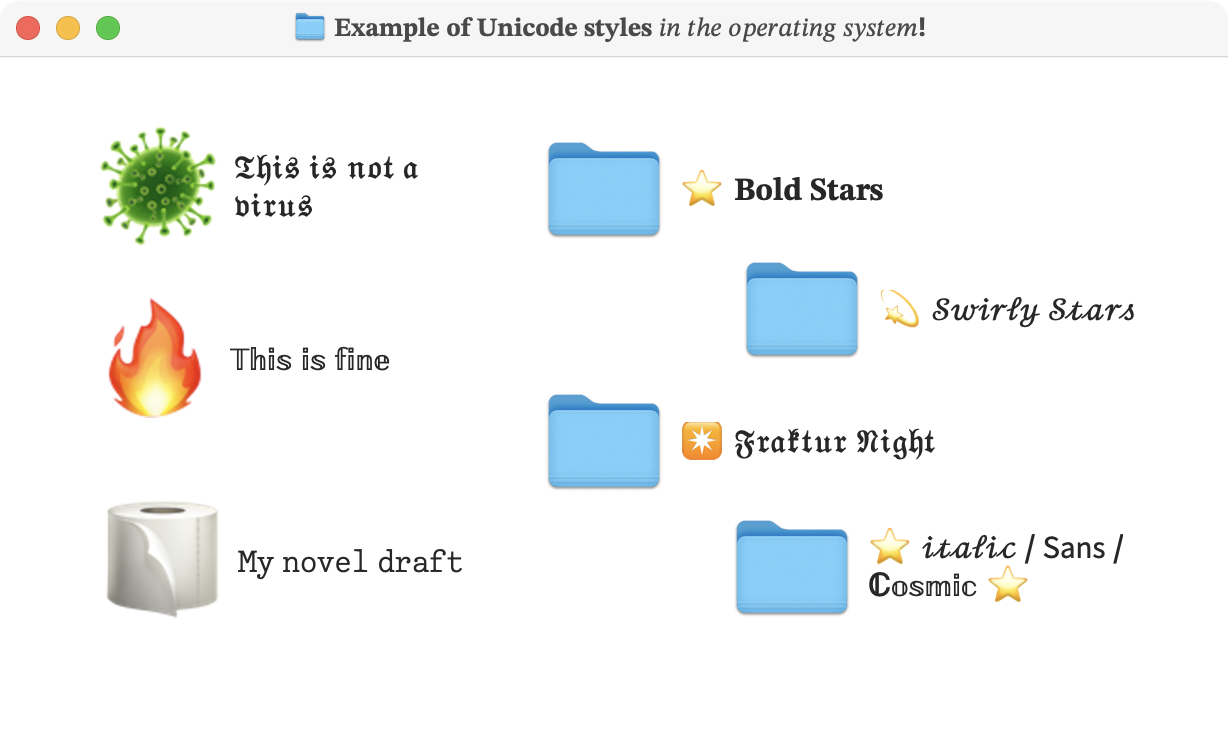
Even in folder and file names on your operating system!
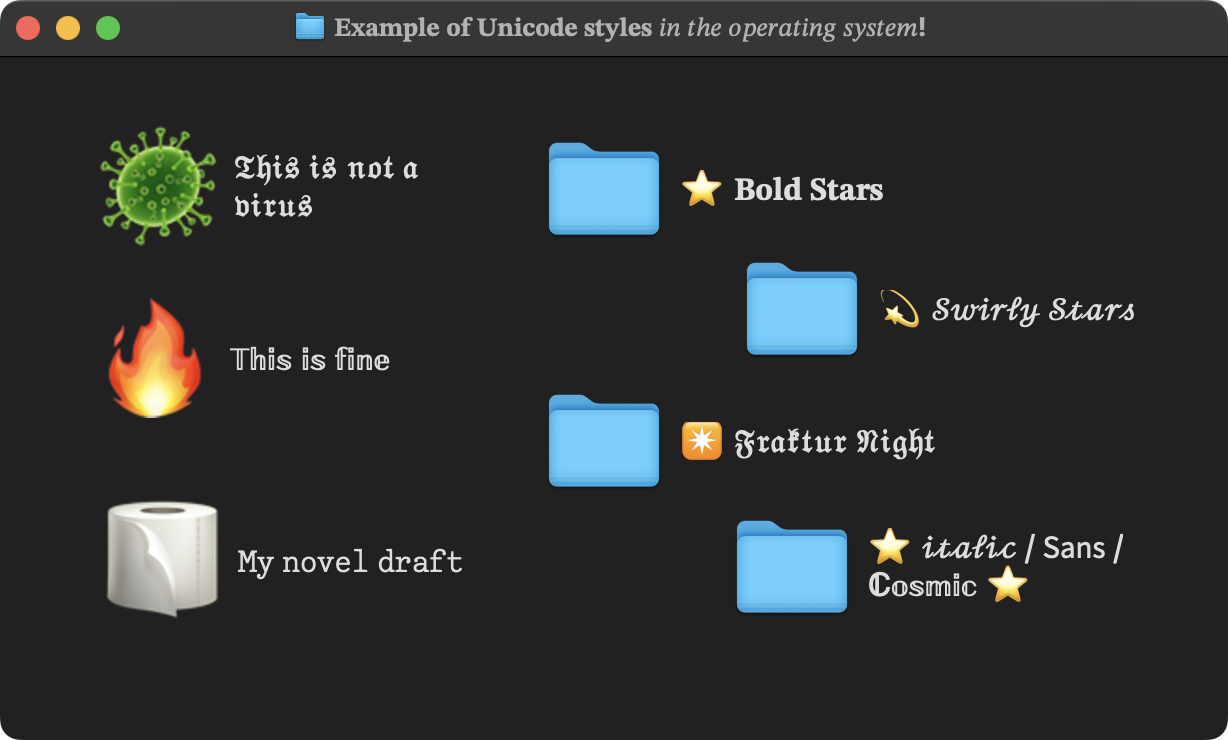
Style by style: how to achieve on Medium what the platform doesn’t give you
Below, a section dedicated to each style that Medium doesn’t offer natively. The same principle applies to all: use the FlowStyler editor at the top of this page, apply the desired style, copy, and paste into Medium.
Alphabetic superscripts
Why do you need them? For footnotes with letters (ᵃ, ᵇ, ᶜ), algebraic exponents (xⁿ⁺¹), or to correctly write «Bebᵉˣᵖ» in an article on extrapolation.
How to achieve it? Medium only supports numeric superscripts with the ^ trick. If you write Beb^e^x^p, the result is a mess: «Beb^e^x^p». No superscripts at all.
For letters, you need Unicode superscript characters. In FlowStyler, you write the text, select it, and press the A² button in the palette.
What if I need to correct? This is where the difference with a superscript generator shows. In FlowStyler, if you wrote «Bebᵉˣᵖ» and then want to change «exp» to «exponential», you simply type and the editor automatically keeps the style of the context: «Bebᵉˣᵖᵒⁿᵉⁿᶜⁱᵃˡ». This is Live Styling: you correct text and the style adapts automatically. No need to regenerate everything.
Subscripts
Why do you need them? For chemical formulas (H₂O), indices in mathematics (aₙ), or any notation that requires characters below the baseline.
How to achieve it? Medium doesn’t offer subscripts of any kind. In FlowStyler, you select the text and press the Aₙ button.
Script (Handwritten cursive)
What is it? A calligraphic style that simulates handwriting. It’s not the italic that Medium offers (which is the font’s italic style), but a simulation of real calligraphy.
Why use it? For poems, literary quotes, stylized signatures, or to give a personal touch to an essay.
How to achieve it? Medium doesn’t have native support for Script. In FlowStyler, you select the text and choose the Script style. You can combine it with bold B, underline U, and/or strikethrough S:
If you write «Médium» in Script and then want to correct «Médium» to «Medium» (without the accent), FlowStyler keeps the Script style on the corrected letters. You don’t have to reapply the style.
Fraktur (German Gothic)
What is it? Fraktur is a Gothic typeface used in Germany and Central Europe for centuries. Online, many people search for it as «Gothic letters», «gothic text», or «old English calligraphy» (even if not exactly the same, the search intent is similar).
Why use it? For historical essay titles, quotes from old texts, or simply to give a solemn feel.
How to achieve it? Medium doesn’t have native support for Fraktur. In FlowStyler, you select the text and apply the Gothic Fraktur style.
Can I combine it? Yes, just like Script, you can combine it with bold B, underline U, and/or strikethrough S:
And just like in other cases, if you need to adjust uppercase/lowercase (because you wrote everything in lowercase and want to capitalize the beginning), you use the [Aa] Case Menu in FlowStyler and the Fraktur style is preserved.
Double-Struck
What is it? A style where each letter has a double outline. It’s used in mathematics to denote number sets (ℕ, ℤ, ℝ), but also has aesthetic use for headlines.
How to achieve it? In the FlowStyler palette, select the 𝔻𝕠𝕓𝕝𝕖 𝕝𝕚́𝕟𝕖𝕒 style. It can be combined with underline (U), and/or strikethrough (S) to get:
Small Caps
What are they? Uppercase letters at a reduced size that visually integrate with lowercase text. Widely used in glossaries, acronyms, author names.
How to achieve it? In the FlowStyler style palette, select Small Caps. They can be combined with underline (U) to get:
Sans: Normal, Bold, Italic, and Bold-Italic
What are they? A sans-serif typeface (without serifs), like Arial or Helvetica.
Medium only offers bold and italic from its own font (which is serif). If you want sans-serif text, Medium doesn’t give it to you.
How to achieve it? In FlowStyler, use the Sans style. It can be combined with bold, italic, underline, and/or strikethrough:
Alphabets of the world
FlowStyler includes alphabets that borrow characters from other writing systems. They’re not typefaces: they’re real letters from other languages that, by visual coincidence, look like ours.
The result is a decorative effect that Medium can’t offer natively. Note: because operating systems don’t correctly support combinations of these characters with diacritics, underline, or strikethrough, FlowStyler removes those combinations in these styles.
Athens (fake Greek): using Greek characters that look like Latin ones.
Moscow (fake Cyrillic): Cyrillic characters that visually imitate our alphabet.
Osaka (fake Japanese): characters from the CJK block (Chinese, Japanese, Korean) that resemble Latin letters:
乇从尸口𠘨乙口𠘨卂刀口
Old Italic: based on archaic Italic scripts.
Nadleh: based on Canadian syllabics.
Gbarnga: based on West African scripts.
Foumban: based on the Bamum writing system.
Dovahfont: based on cuneiform script.
Luxor: uses Egyptian hieroglyphs with no phonetic correspondence; purely decorative.
In traditional generators, these alphabets are a headache. In FlowStyler, they’re applied from the palette and used as naturally as everything else: if something doesn’t convince you, you correct it and the style stays as you type.
No more typing, applying style, correcting, seeing it break, getting distracted, going back to think about what we wanted to write, selecting and reapplying style. FlowStyler lets you work without distractions.
Special effects
Two effects that Medium will never offer natively:
Mirrored: The text is flipped horizontally.
Flipped (Upside Down): The text is rotated 180 degrees. You read it by turning your head or device. Useful for humorous details, disruptive quotes, puzzle solutions… or why not, to grab attention in a long post.
oɥɔǝɹǝp lɐ ʎoʇsǝ o⅄
Note: this style doesn’t preserve accents, because Unicode doesn’t offer an upside-down version that can be applied.
Combinable styles: what Unicode allows, and what it doesn’t
A key innovation of FlowStyler is that it presents everything the Unicode system allows as combinations. In a common word processor, applying Bold and then Italic gives you Bold-Italic. In fancy font generators, however, each combination is a separate style: if you use Sans and apply Italic, and then want Bold, they don’t combine; you have to choose another style from the list that says «Bold Italic».
FlowStyler behaves like a word processor. Where Unicode allows it, styles combine naturally.
What combinations actually exist in Unicode?
- Sans-Serif: has all four variants (normal, bold, italic, bold-italic). You can combine them as in any editor.
- Serif: doesn’t have a normal variant, but does have bold, italic, and bold-italic.
- Script: only has normal and bold. There’s no Script Italic in Unicode.
- Fraktur: only has normal and bold. There’s no Fraktur Italic in Unicode.
- All other styles (Double-Struck, Small Caps, Monospace, superscripts, subscripts, decorative alphabets, special effects) have no additional variants in Unicode.
All these combinations are compatible with diacritics, underline, and strikethrough.
This way, FlowStyler gives you access to all the combinations that Unicode allows, presented naturally, as if you were using a word processor. Not one less, not one invented.
Much more than letter styles: paragraph styles
FlowStyler doesn’t limit itself to applying styles to individual letters. It also works on the structure of the text, something that generators simply ignore.
Bullets: For unordered lists, with the same visual hierarchy criteria you use in any word processor.
Numbered lists: With variants that Medium doesn’t give you:
c. , d) , E. , F) Uppercase and lowercase letters.
VII. , viii. , IX) , x) Roman numerals.
1️⃣1️⃣ Chubby number emojis.
⑫ Circled Unicode numbers.
🅜 Circled Unicode letters.
🄽 Squared Unicode letters
And if you need to reorder a list, you don’t have to rewrite it: FlowStyler lets you edit, sort, and renumber without needing another tool.
Generators vs. a word processor: the fundamental difference
For years, the solution was to search for «Medium letter generator», «fancy text generator», or «unicode font generator». Those tools work like this:
- You type your text in a little box.
- You choose a style.
- You copy the result.
- If you made a mistake, you go back to step 1.
They’re generators, not editors. They work in one direction only. You can’t correct a letter without regenerating everything. You can’t combine styles. You can’t convert a numbered list into a bulleted list without starting over:
In contrast, FlowStyler is the first word processor with native support for Unicode styles. This means:
- Live Styling: If you correct text, it automatically adopts the style of what was written. You stop fighting the tool and can iterate in peace.
- Combinable styles: You can use Sans, Bold, Italic, and even underline on top. All together.
- Smart case handling: When you’re editing, you can adjust case and it respects the styles you used.
- Numbered lists, bulleted lists, Roman numerals, or alphabetical: Also circled Unicode numbers, circled or squared letters.
- You can edit, sort, and renumber lists: You don’t have to leave the app, go to Word, or Excel.
- Real-time character counter: You know exactly how much you’re writing.
It also works on LinkedIn (and anywhere else)
This article is focused on Medium, but FlowStyler works exactly the same on LinkedIn, X, Facebook, Instagram, and any platform that accepts text. If you’re interested in that specific case, we have a complete guide for LinkedIn.
Since Unicode styles are plain text, you can also use them in file names, operating system folders, or any other place where copying and pasting is possible.
})